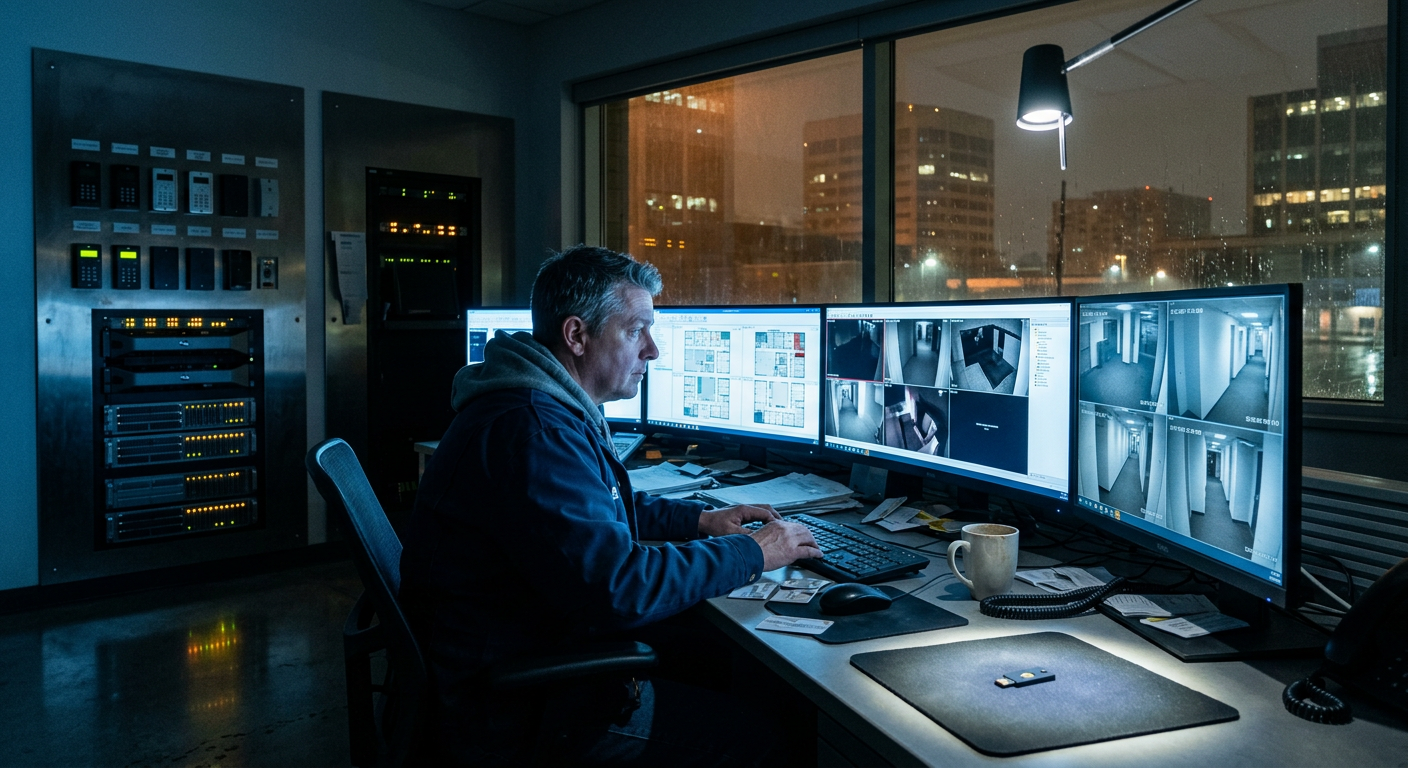
Your smart office has a control plane: the handful of workstations where facilities and IT staff log into the access-control server, the camera VMS, the building-management system, and the SSO admin console. Those machines see every credential and every feed. So it’s worth asking the uncomfortable question: what does the operating system on those machines do when nobody’s looking?
For stock Windows, the answer keeps getting worse. Telemetry is extensive and on by default. Recall-class AI features screenshot the screen into a searchable index — including whatever admin dashboard or password vault happened to be open — and the vendor keeps auto-enabling this class of feature. Meanwhile the Microsoft stack remains the attacker’s favorite monoculture: SharePoint went back on CISA’s known-exploited list this month with agencies given 72 hours to patch before Warlock ransomware crews moved in.
None of that is a reason to burn down your Windows estate overnight. It is a reason to stop administering your building from it.
The Sovereignty Question Isn’t Theoretical Anymore
European organizations have started acting on this. France is abandoning Microsoft Teams and Zoom across public administration — a procurement wave driven by the CLOUD Act’s collision with GDPR — and the EU Cyber Resilience Act now demands secure-by-design products with transparent, patchable software stacks. “We can’t audit what our own machines run” is becoming an answer that fails audits.
Linux on the admin workstations answers the telemetry and auditability questions in one move. But the OS is only half the machine.
Below the OS: Open Firmware
Install Linux on a typical business laptop and you still boot through a proprietary UEFI blob and Intel’s Management Engine — a privileged co-processor no one outside Intel can inspect. If the point of the exercise is machines you can vouch for, the firmware layer has to come along.
That’s the case for NovaCustom, a Dutch manufacturer whose business line ships with the trust problem solved at the factory:
- Open-source Dasharo coreboot firmware — the boot code is public and auditable
- Intel Management Engine disabled
- PrivacyGuard laptops (14″ V54 / 16″ V56) with Linux preinstalled — the sensible default for staff and admin workstations
- SecurityTitan builds add Qubes OS certification, tamper-evident seals, and boot attestation for the people who hold domain-admin and building-master credentials
- NUC Box mini-PCs with the same open firmware — meeting-room drivers, signage, kiosk and BMS terminals that don’t phone home
- EU-assembled, 3-year warranty, 7+ years of support — fleet-refresh math that works, from a vendor aligned with European procurement requirements
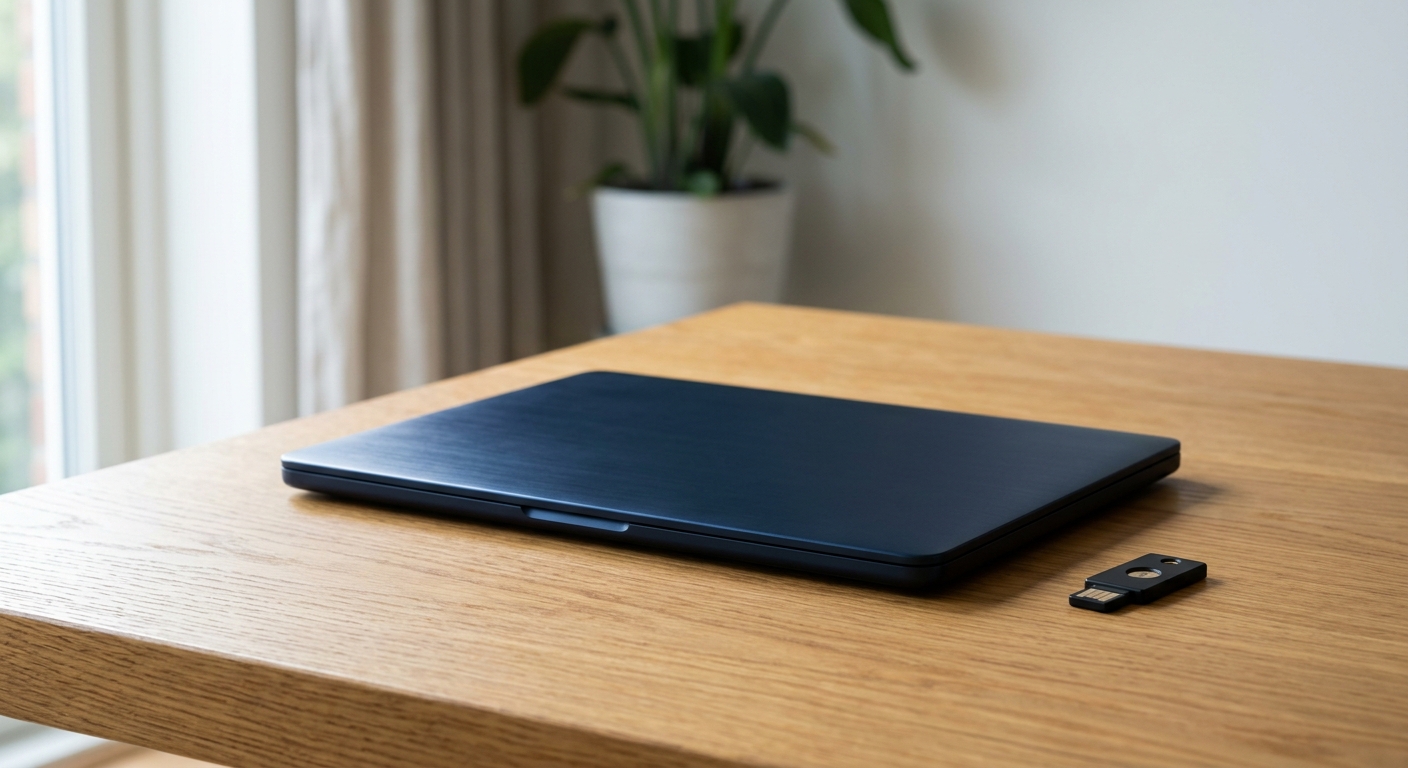
Configure direct at NovaCustom → — or for US offices, securitygadgets.shop/novacustom is the authorized US storefront at roughly 13% below EU pricing with the identical 3-year manufacturer warranty. Our sister site has the full NovaCustom review.
A Migration That Doesn’t Hurt
- Start with the control plane, not the whole office. Move the two to five workstations that touch building systems to Linux first — highest value, smallest blast radius.
- Meeting rooms and kiosks next. These are appliances; a NUC Box running Linux does the job without joining your Windows attack surface.
- Keep Windows where Windows earns it. Finance’s one legacy app can live in a VM or on a segregated VLAN — it just doesn’t get to share a machine with your badge system’s admin session.
- Pair the new workstations with phishing-resistant hardware keys — we covered that rollout yesterday; the two upgrades are designed for each other.
Skin in the Community
NovaCustom backs the security-leadership community it sells to: at CISO.POKER — the invite-only CISO poker night on August 5, 2026 at The Wynn, Las Vegas — NovaCustom is the second-place prize sponsor, prize machine under wraps until the night. Vendors who publish their firmware and show up for the community are the ones we’re comfortable putting in a procurement shortlist.
Bottom Line
The smart office gave a handful of workstations the keys to your physical building. Those machines should run an OS that doesn’t screenshot itself, on firmware you’re allowed to read, from a vendor whose incentives match yours. That combination exists off the shelf now — which removes the last good excuse.
Put open firmware on the shortlist →
Affiliate disclosure: This article contains affiliate links. If you purchase through our links we may earn a commission at no extra cost to you.